* If the video does not play, tap here
* The video is explained in Japanese.
-----------------------------
Download the GO App
Tap here
(Redirects to the App Store)
<Contents> Procedures for new account registration on the GO App
1. Open the app
2. Allow access to location information
3. Enter your phone number
4. Enter the verification code received via SMS
5. Enter information such as your name
6. Set the payment method
7. Set up notifications and microphone access
8. Registration Done
9. Register your email address from the Menu screen
How to register a new account
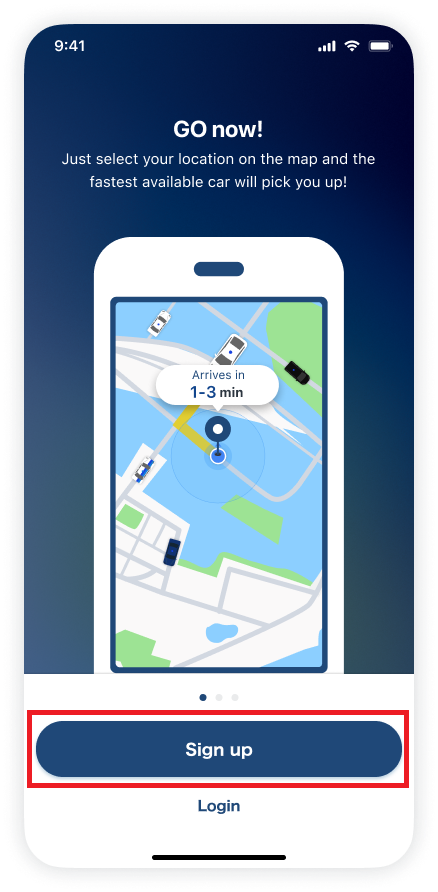
1. Tap [Sign up].
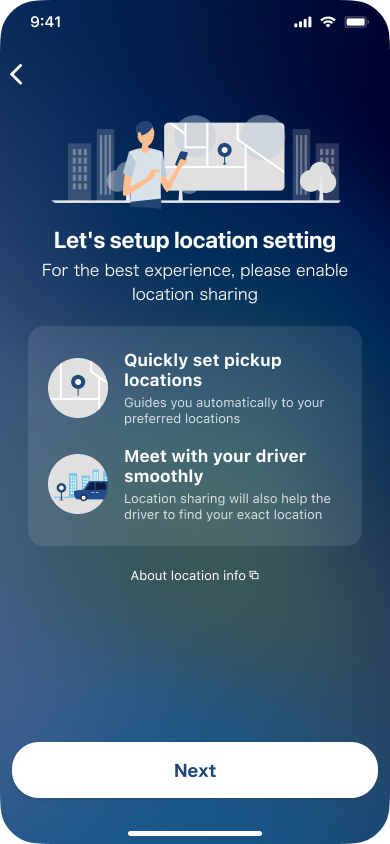
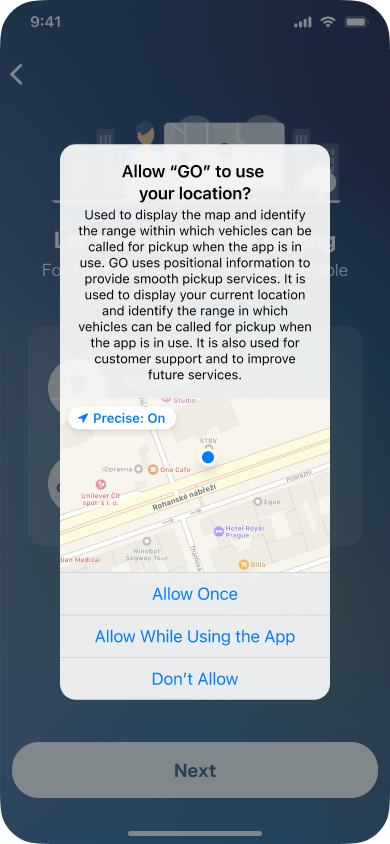
2. Set up location information.
Tap [Allow].
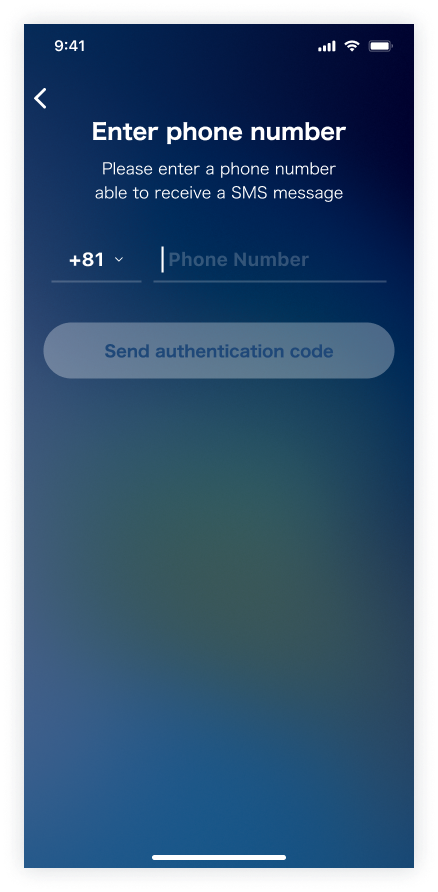
3. Enter a mobile phone number capable of receiving SMS.
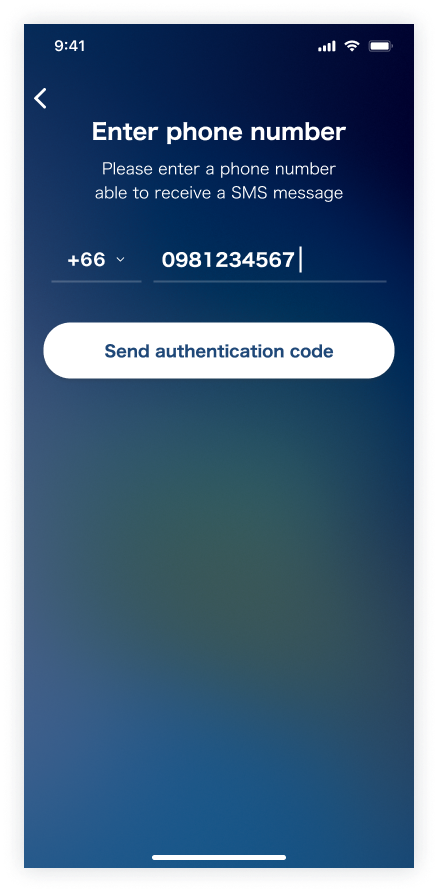
4. Enter the 4-digit verification code sent to your phone number.
Ref.
・ Troubleshooting: What to do when you don't receive your SMS verification code
・ Identity verification using passport photos and selfies
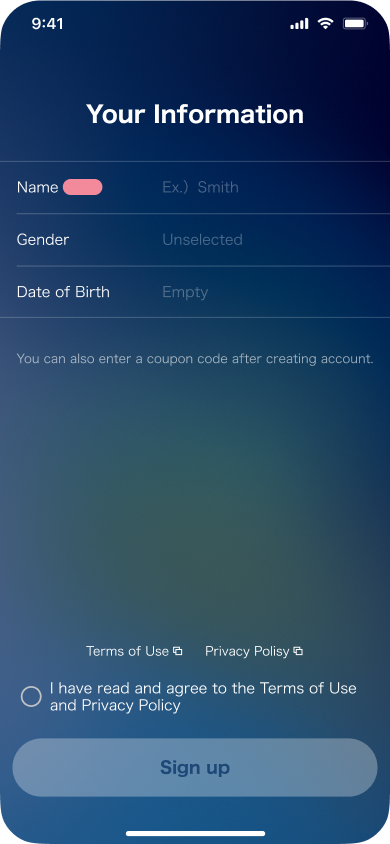
5. Enter information such as your name.
* Please enter your name without spaces.
6. Please set up GO Pay.
Ref.
・What is GO Pay?
・Available payment methods and how to register for GO Pay
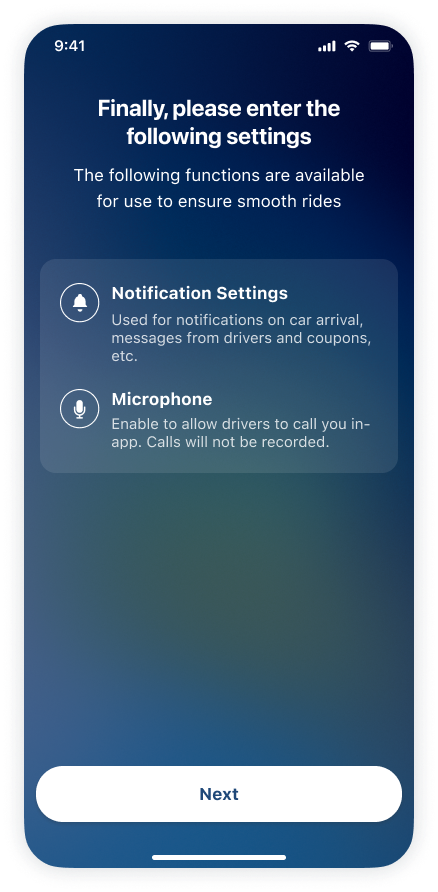
7. Set up notifications and microphone access.
(Tap [Next] to proceed to each setting.)
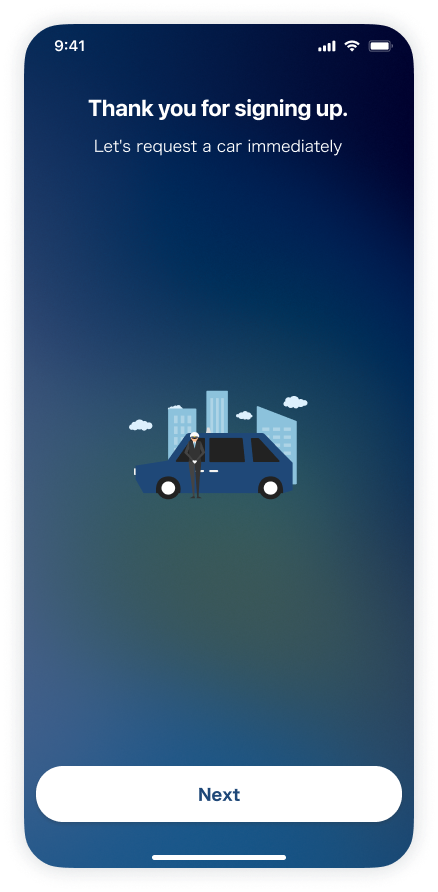
8. Registration is complete.
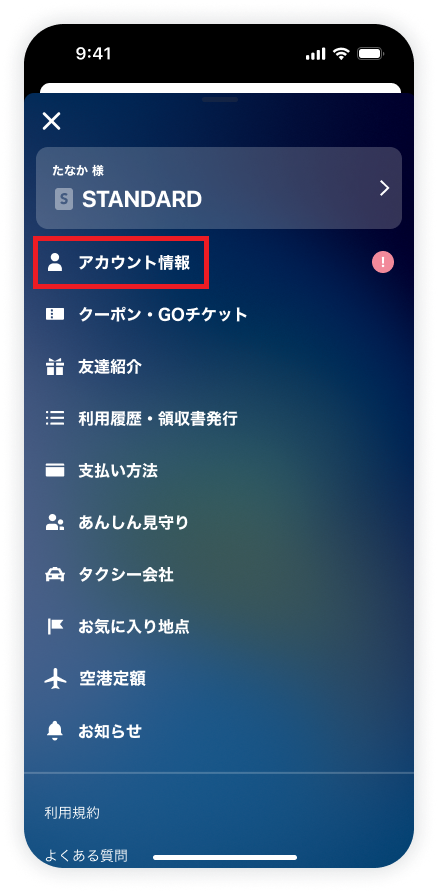
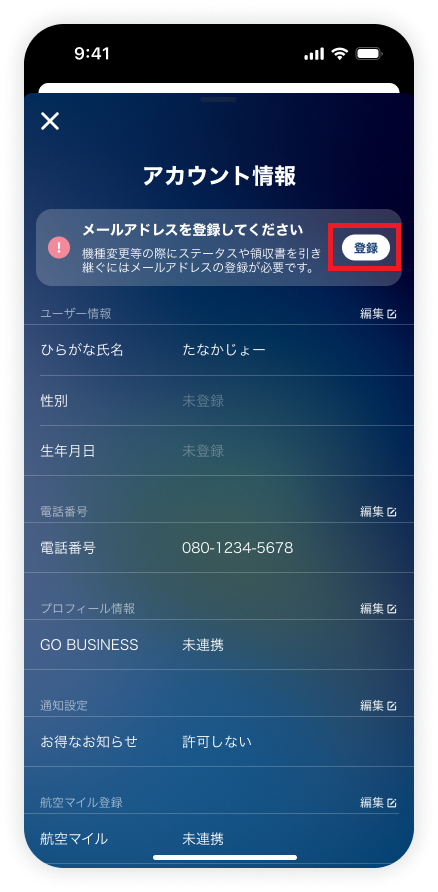
9. Register your email address from the Menu screen.(Optional)
* In order to transfer your usage history and status when changing your device model, advanced email registration is required.
To protect your important account information, we strongly recommend registering in advance.
If you would like to know how to operate the app, such as how to request a taxi, please refer to the Q&A below:
・Show me the basic steps to request taxi
・What is “Reservation”?
* Minors should obtain the consent of their parental authority before using the service.